Project Settings
Each project in GeoWork has its own customizable Project Settings, where various functionalities and properties of the project can be configured. These settings are specific to each project.
The settings page of a project can be accessed by any project member. However, only users with sufficient permissions can modify the settings.
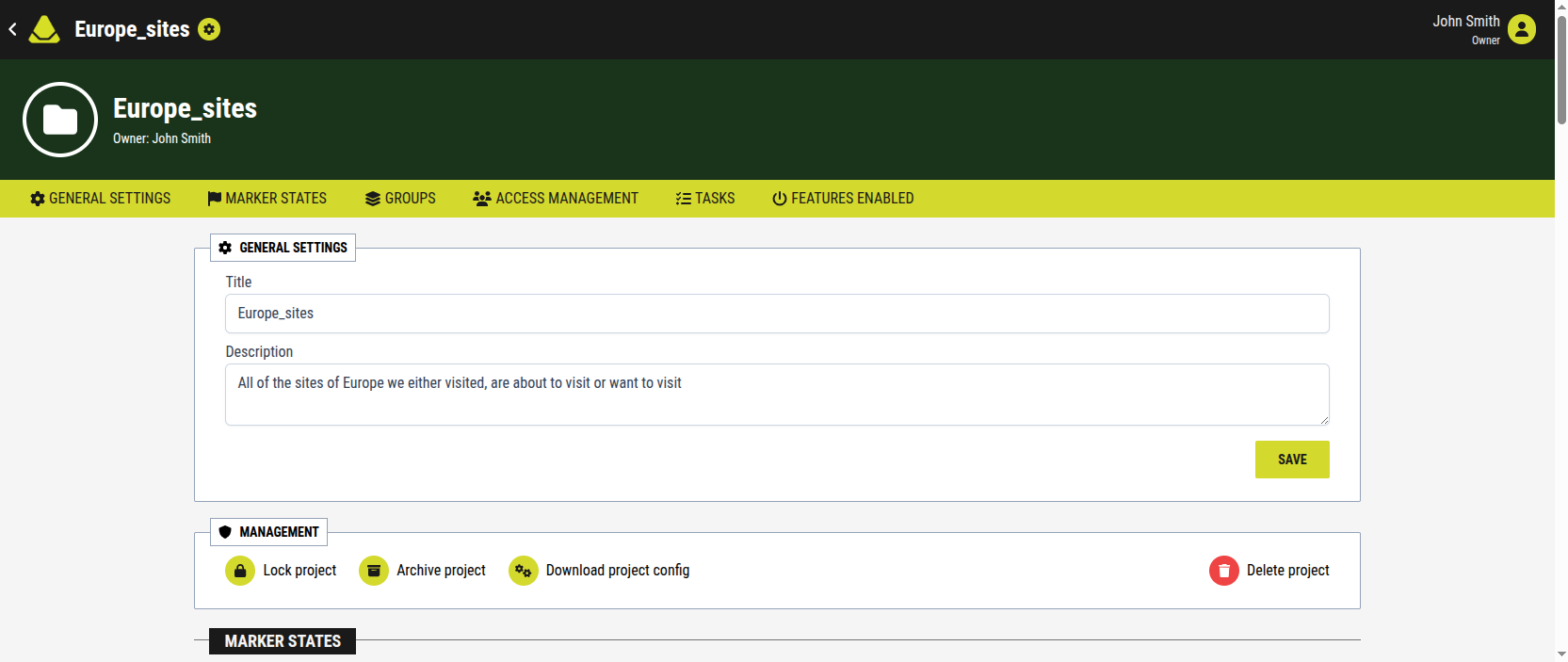
[Showcase of the project settings page]
Accessing Project Settings
- Open the project you want to configure
- In the global navigation bar, click the green Settings button
Project Settings UI
Global navigation bar
The global navigation bar remains visible at the top of the screen, just as when navigating within a project.
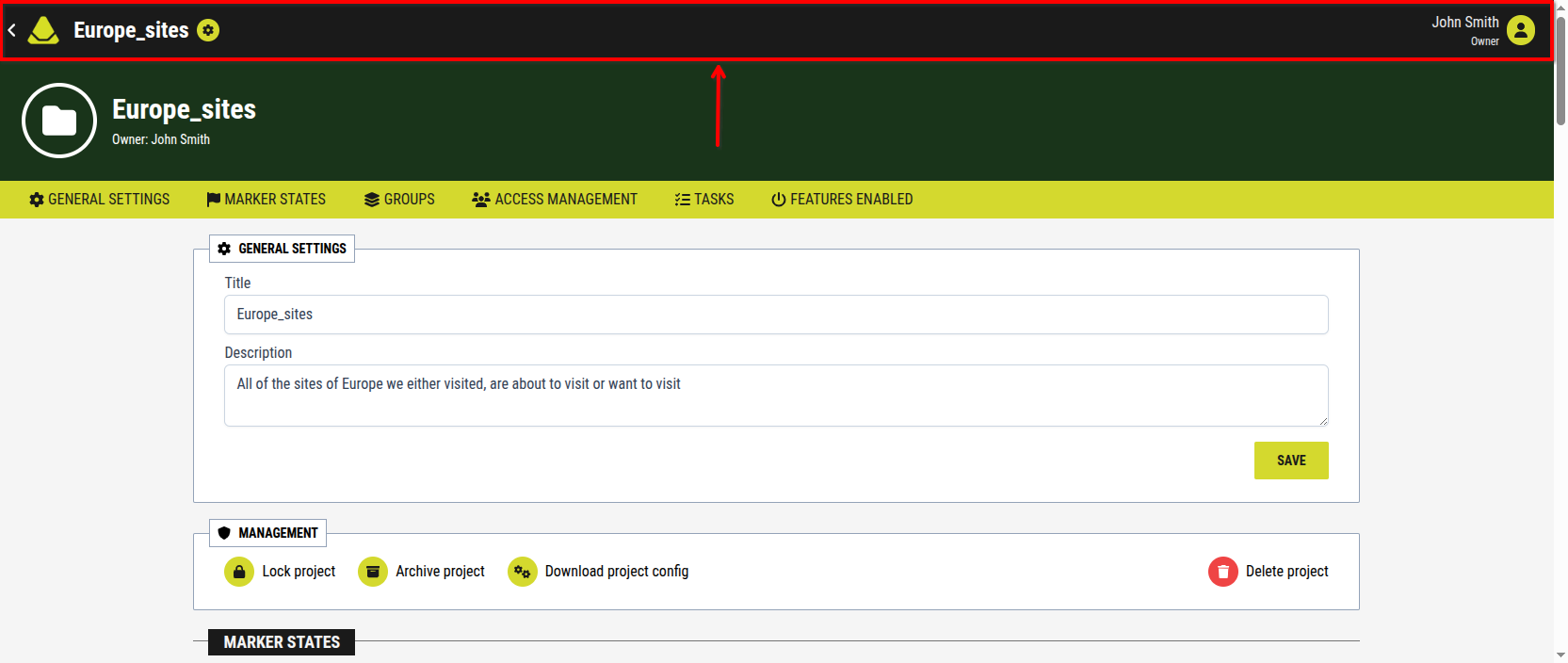
[Showcase of the Global navigation bar inside the project settings]
Basic project information
Below it, the basic project information section is displayed, including:
- a file icon in a circle
- the project name (bold)
- the project owner’s name (displayed below the project name)
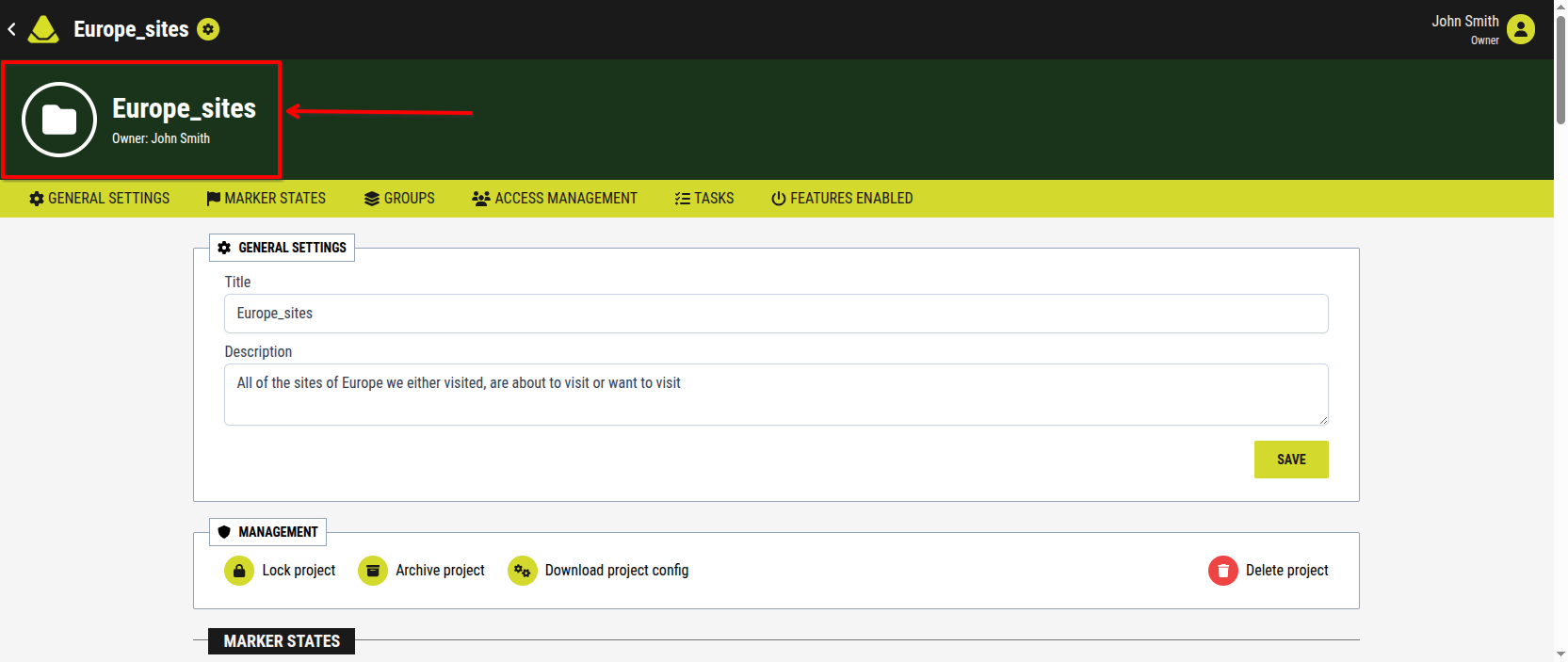
[Showcase of the Basic project information inside the project settings]
Project settings navigation bar / Categories
Below this section is the project settings navigation bar. Users with sufficient permissions may see up to six categories, each representing a group of settings:
-
- Marker state management
- Default resource properties
-
- Layer groups
- Resource groups
-
- Project invites
- Public access management
- User management
- Role management
-
- Task templates
- Predefined task properties
-
Enabled features
- Timeline
- Location sharing
- Marker creation from QR codes
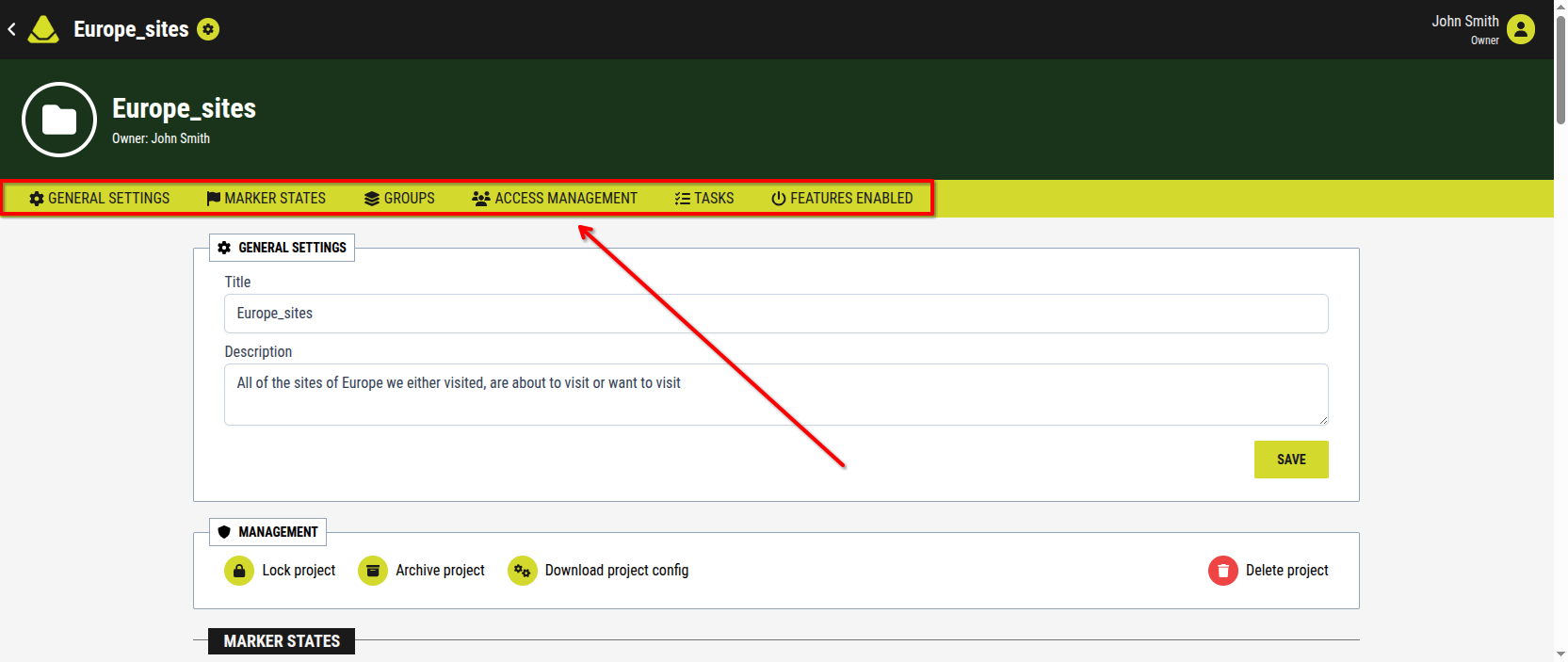
[Showcase of the Project settings navigation bar]
Project settings configuration section
The main (largest) section of the screen displays the actual configurable settings.
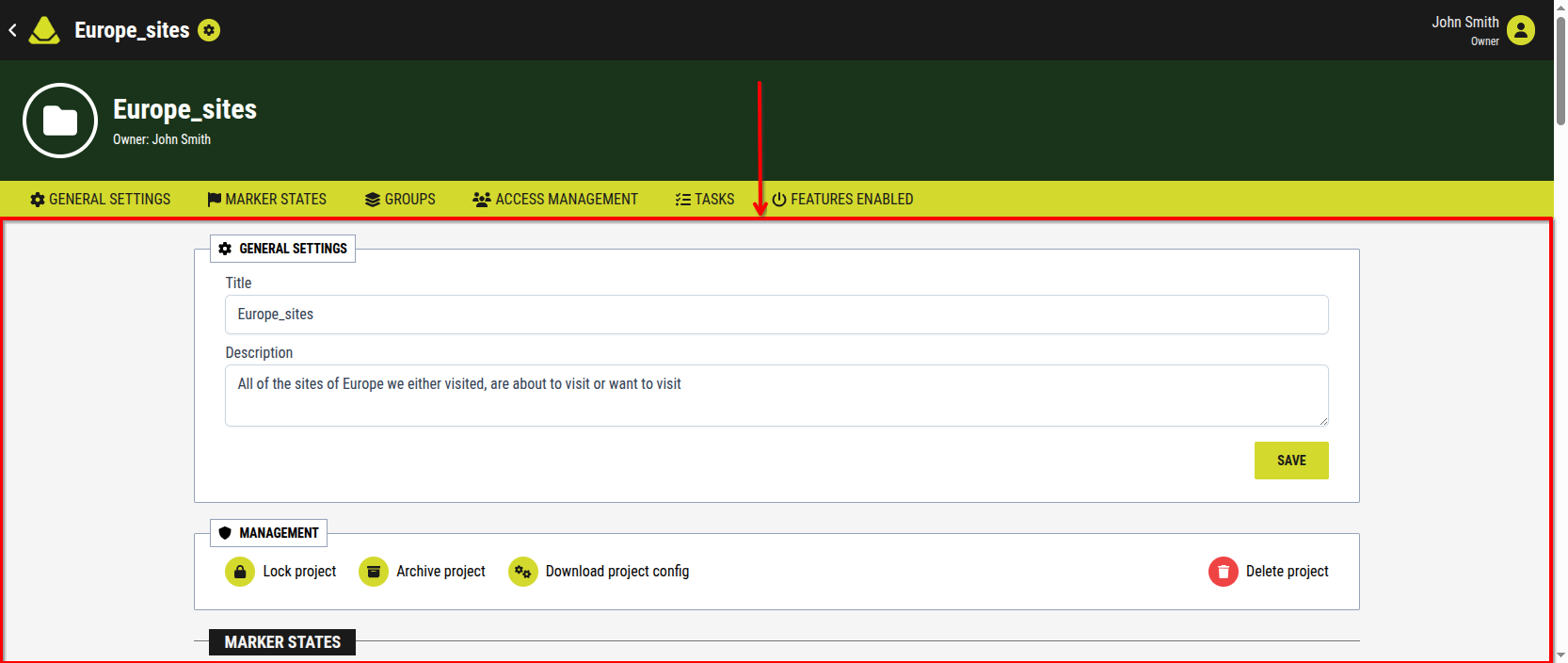
[Showcase of the Project settings configuration section]
All settings are located on a single page. Users can either:
- scroll through the page to find specific settings
- use the category navigation bar as shortcuts to jump directly to a specific section
This structure allows for both quick navigation and a complete overview of all available settings.