Getting started
Welcome to the documentation page for the GeoWork software. This guide provides essential information and step-by-step instructions for using GeoWork effectively.
GeoWork is developed by AIRMOBIS and its subsidiary mobis0ne. It is a collaborative tool designed to efficiently coordinate the work of people and, where applicable, vehicles in the field. GeoWork is available both as a web application and as a mobile application for Android and iOS devices.
This documentation is intended to help users understand and make full use of GeoWork’s features. It is recommended for all users, regardless of experience level, as it contains important information about the system.
For the best experience, we recommend reading the documentation from the beginning, as the topics are structured progressively.
First time opening GeoWork
When opening GeoWork for the first time, you will be greeted with a welcome screen offering the option to either log-in or create an account.
This is because, in order to fully use GeoWork, the user must be logged into an account.
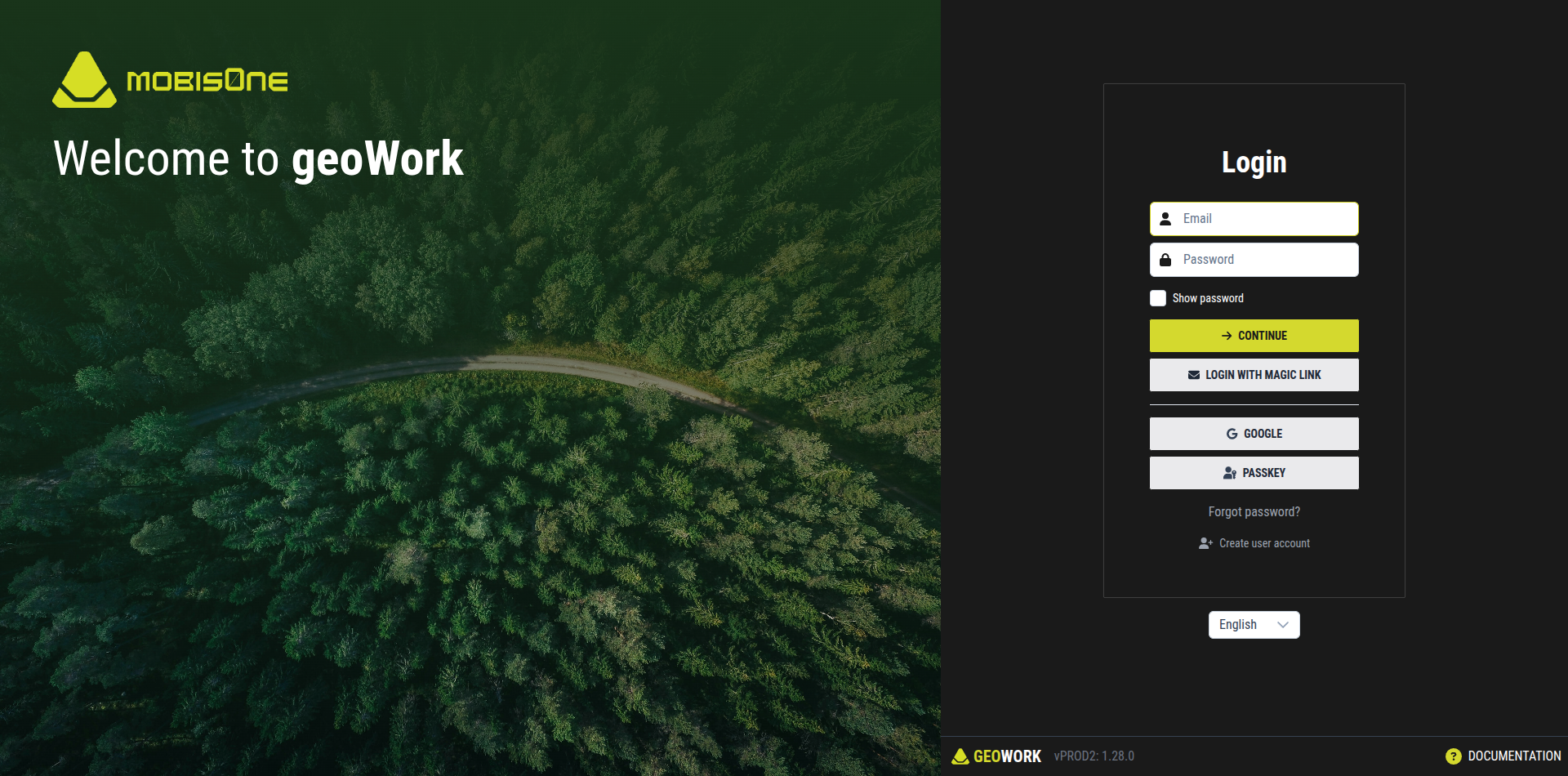
Before proceeding further, please read the authentication section to understand how accounts and access work within GeoWork.