Dashboard
The dashboard is the first layout displayed when logging into or opening GeoWork. It can be considered the main homepage of the application.
From the dashboard, users can access all actions and features supported by GeoWork.
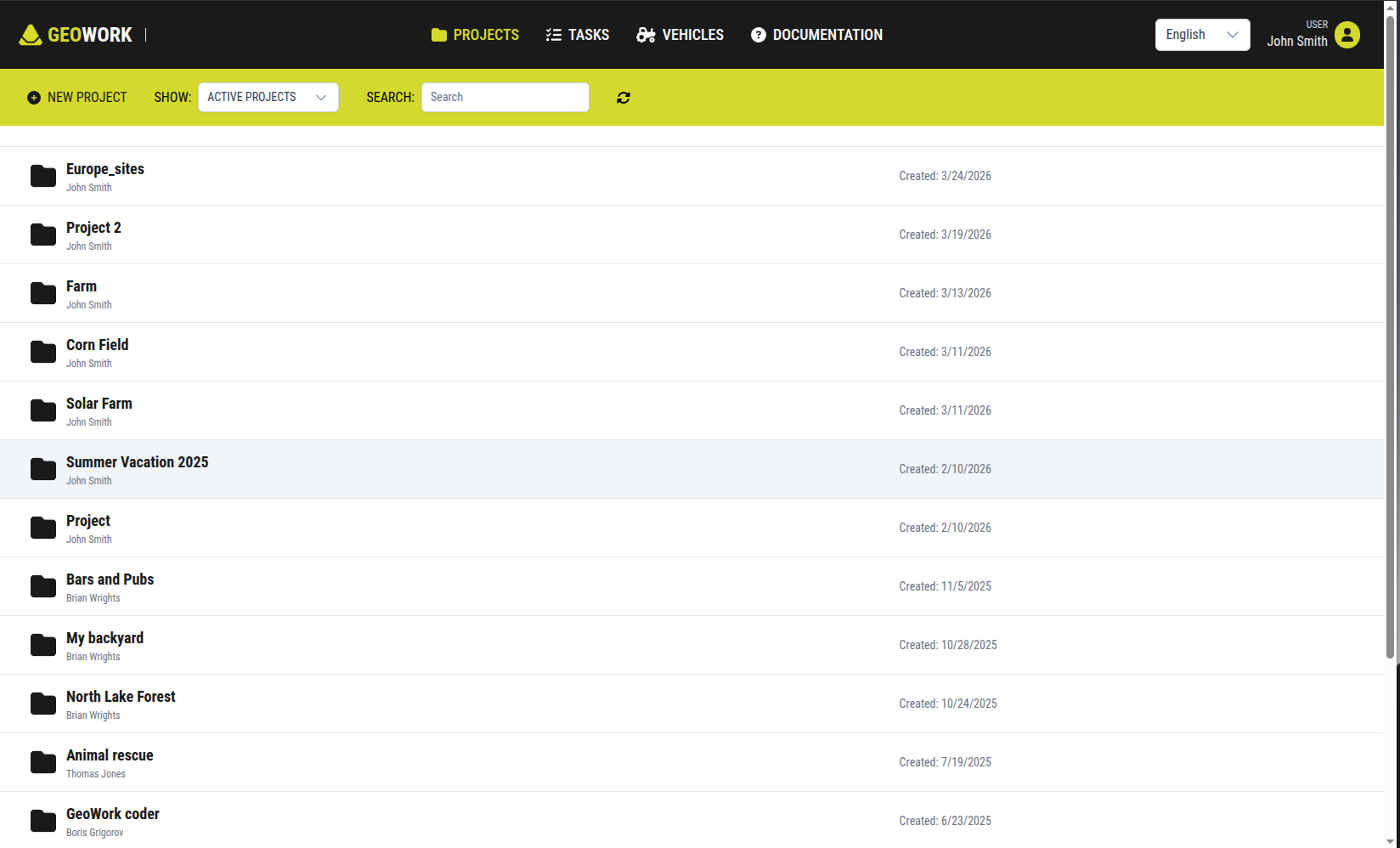
[Showcase of the entire dashboard]
Global navigation bar
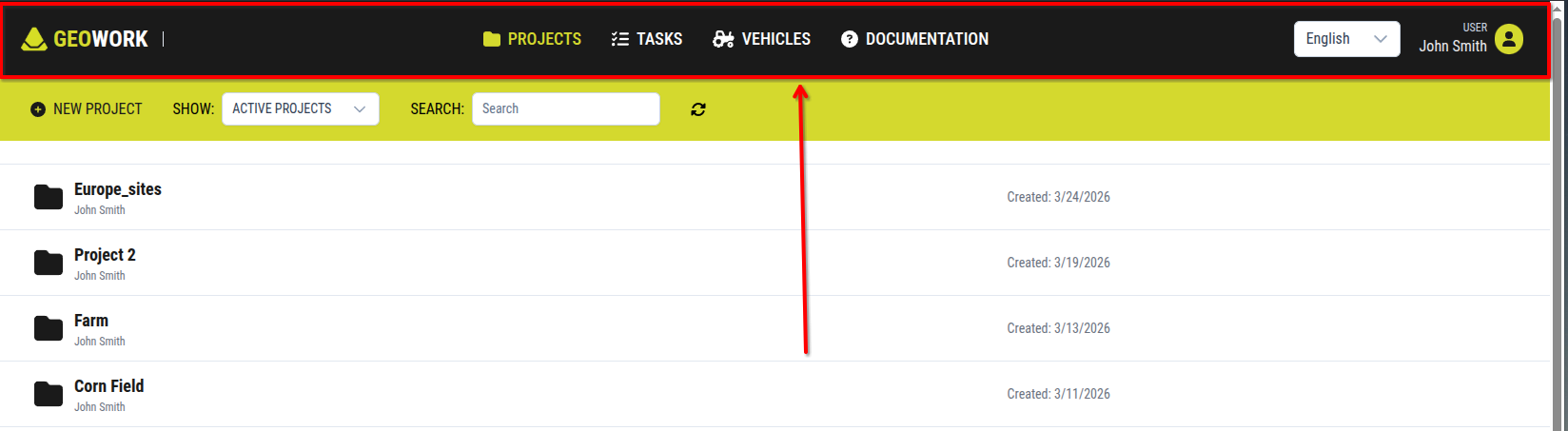
[Showcase of the Global navigation bar]
The global navigation bar is the main element of the dashboard and the only component that remains consistently visible across the interface. It is displayed as a black bar spanning the full width of the screen at the top.
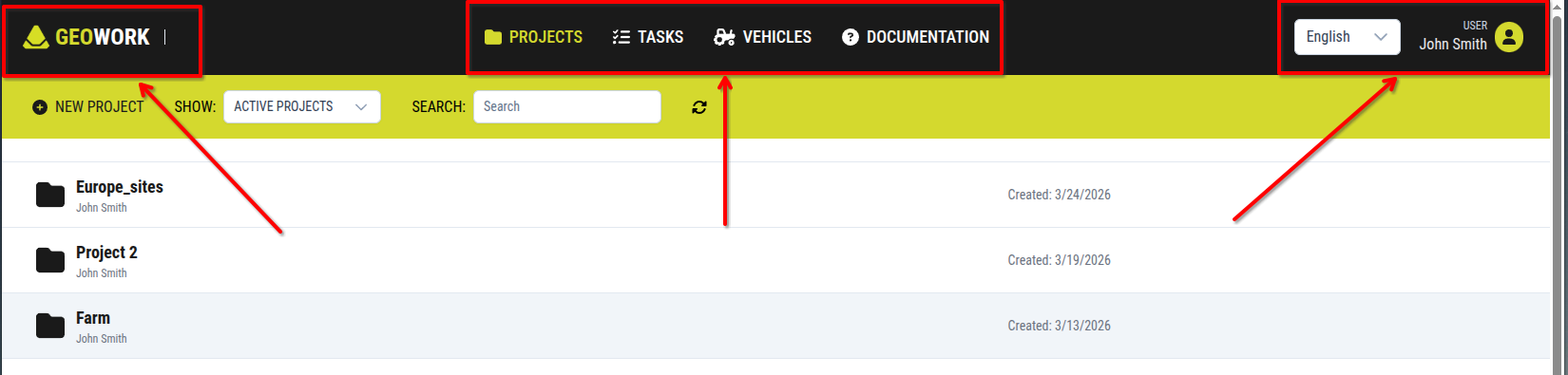
[The global navigation bar splited into its sections]
Left section
The left side of the navigation bar contains the GeoWork logo.
Center section
The center section contains four buttons that allow users to switch between the main categories of the application:
- Projects
- Tasks
- Vehicles
- Documentation
Right section
On the right side of the navigation bar, there is a language selection box used to change the language of the interface.
At the far right, the user profile name and profile picture are displayed.
Clicking here will show a pop-up window with two buttons:
- Account button
- Pressing this button will take you to the user's Account settings
- Logout button
- Pressing this button will log you out of the software
- Logging-in will be required for further usage of the software