Add marker button
The Add marker button serves the purpose of creating a marker within the project.
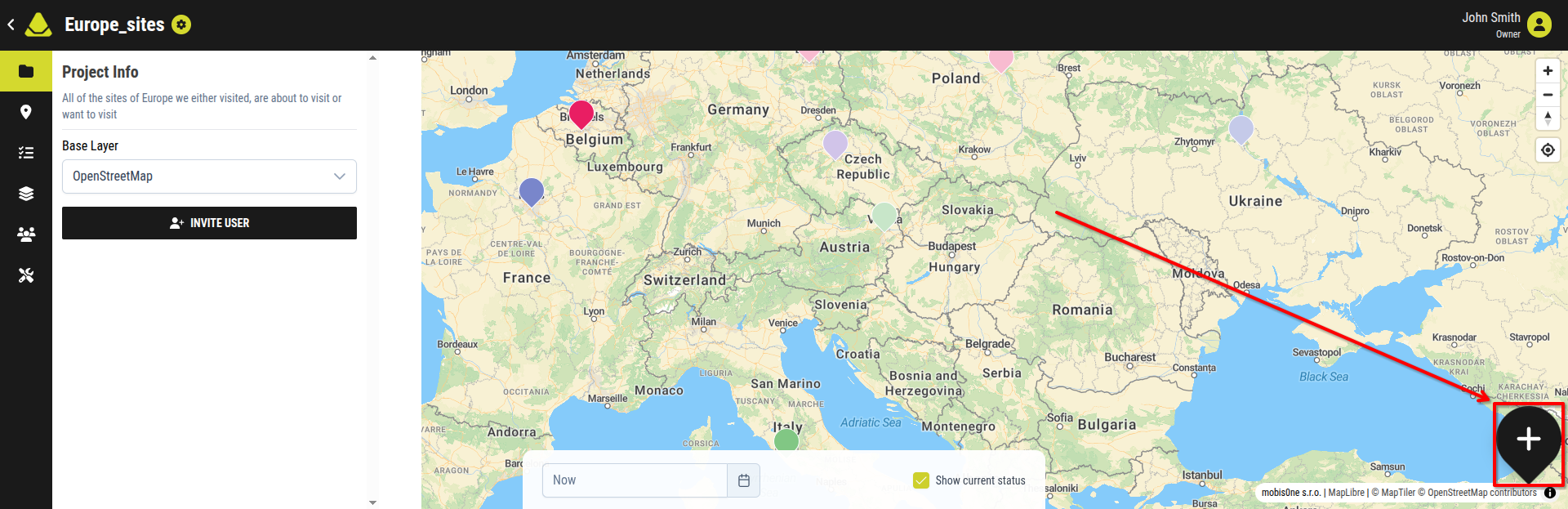
[Showcase of the Create a marker button]
Pressing it opens the interface with all available options for creating a marker.
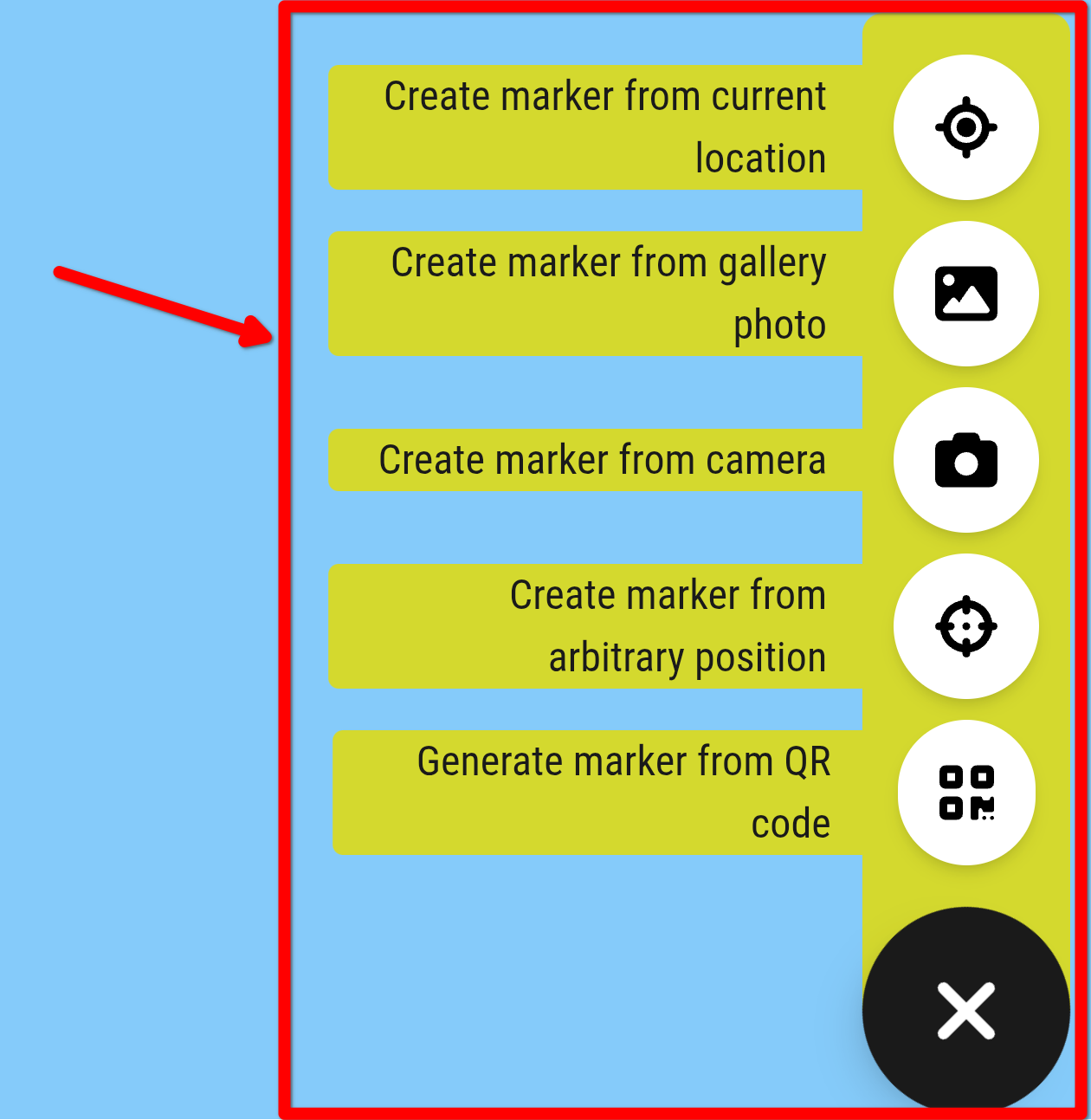
[Showcase of all the options for creating a marker]
However, markers are a complex feature and are not covered in full within the Projects category of this documentation. For this reason, a dedicated Markers category exists.
For detailed information about all methods of creating a marker, please refer to the Create a marker section in the Markers category.