Project Functions Sidebar
Inside GeoWork projects, there is a persistent sidebar that contains tabs used to interact with the project.
These tabs include:
Adjacent side/full-screen panel
In addition to the sidebar, there is an adjacent side/full-screen panel. This panel displays the interface related to the currently selected tab and allows users to interact with its features.
Desktop UI
On desktop devices, the adjacent side panel is open by default and initially set to the Project Info tab.
- It can be closed by clicking the currently active tab icon again
- It can be reopened by clicking any tab icon
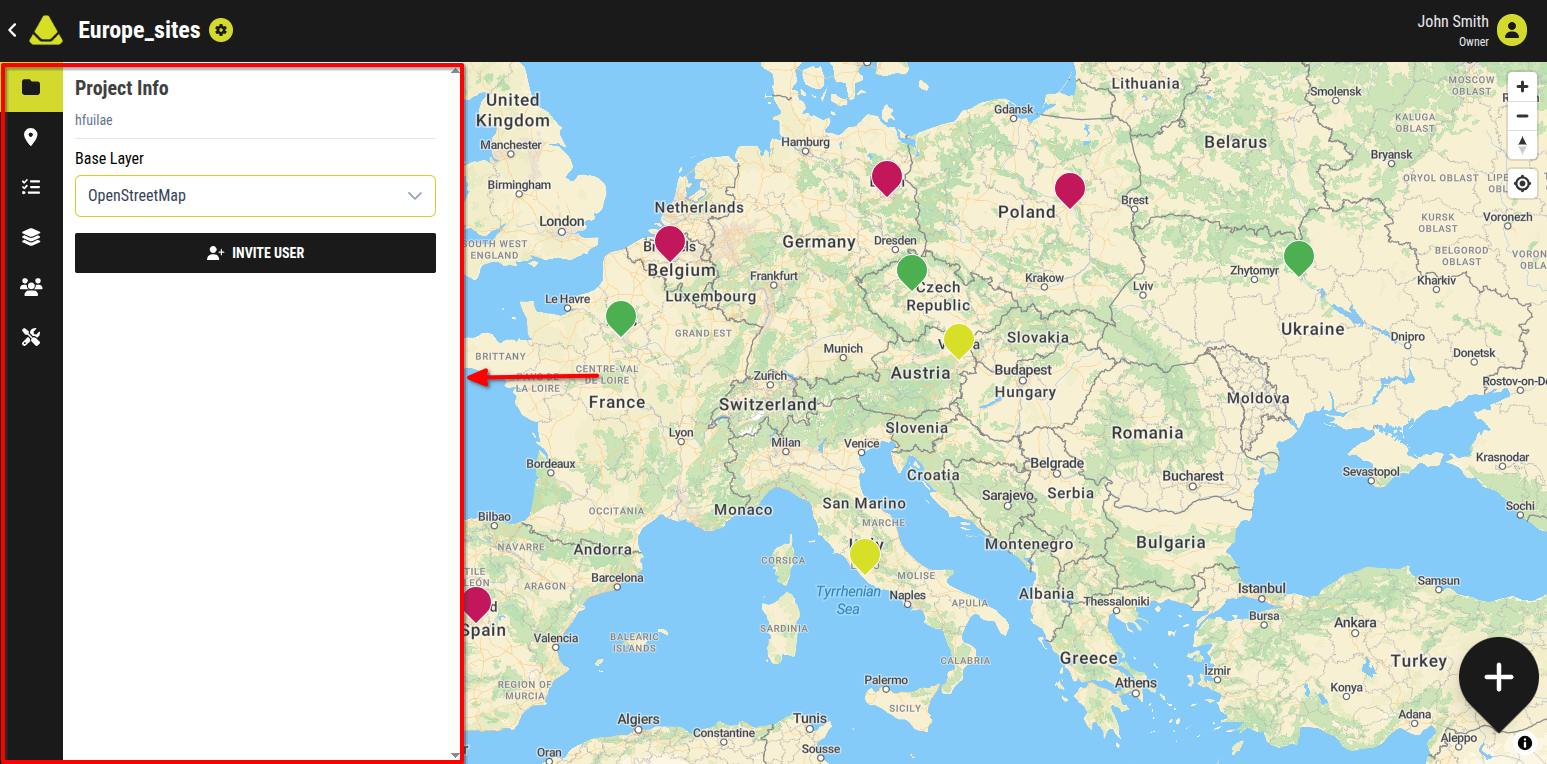
[Showcase of the opened adjacent side panel]
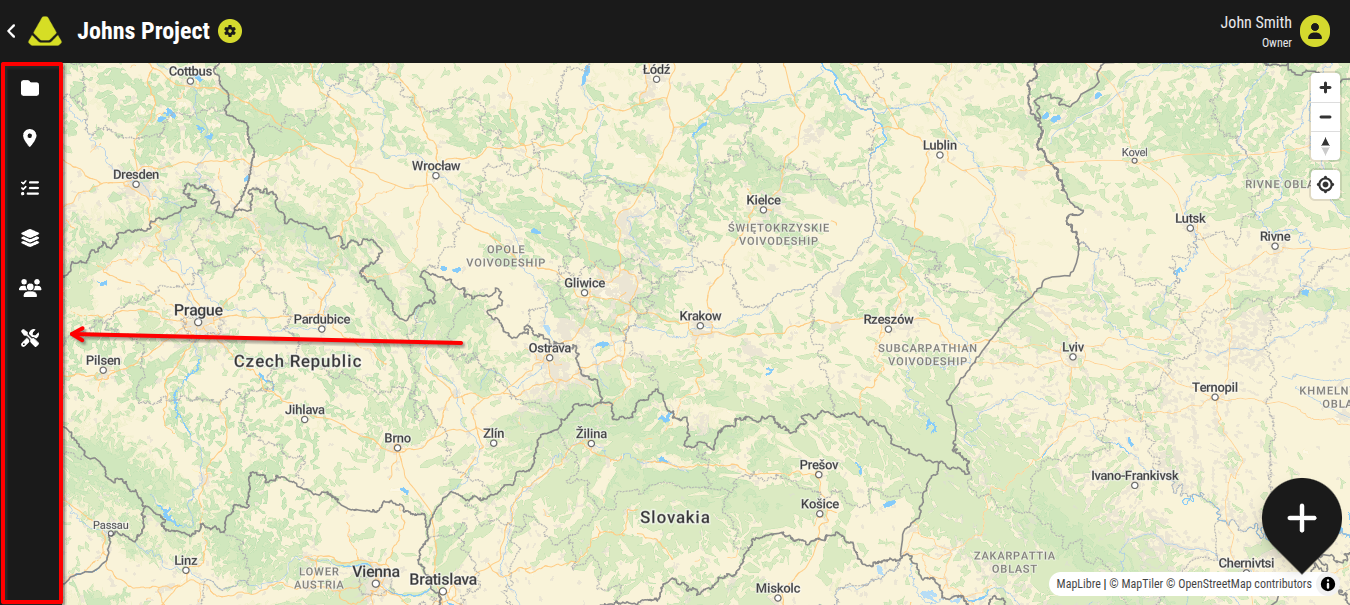
[Showcase of the closed adjacent side panel]
Mobile phone UI
On mobile devices, the adjacent full-screen panel is hidden by default due to limited screen space.
- It opens when a tab is selected from the project functions sidebar (located at the bottom of the screen)
- When opened, it covers the entire map
- It can be closed by tapping the active tab again
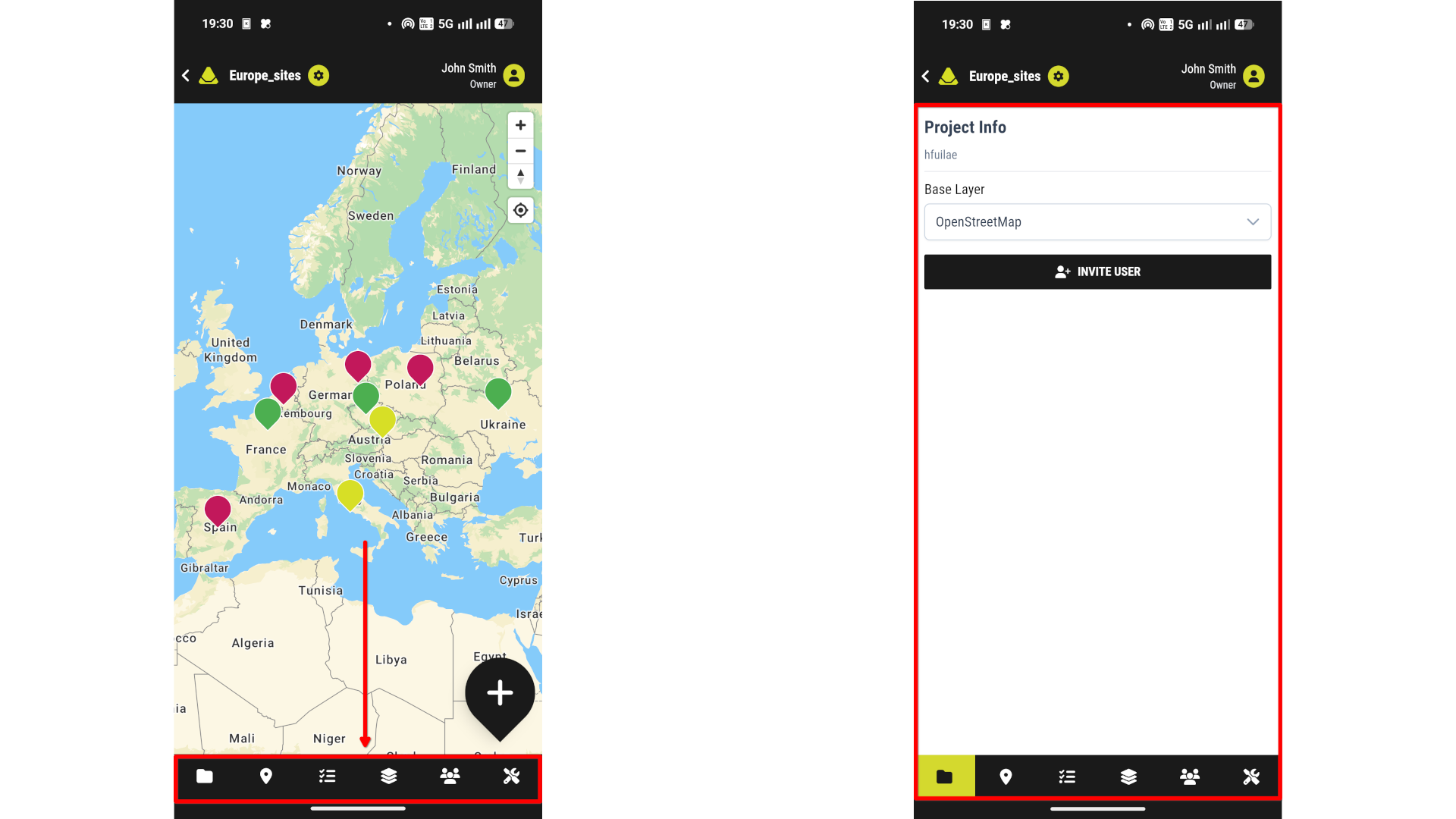
[Left: Showcase of the closed adjacent full-screen panel] [Right: Showcase of the opened adjacent full-screen panel]