Use GeoWork without an account
There is one way to use GeoWork without an account, but it is very limited. It consists of inviting a person as a Guest.
This method allows a person to view a project through access granted by a user with sufficient permissions. It does not allow any contribution or management of the project. Instead of accessing GeoWork as a full software, the person is only given Guest access to a specific project. /docs/projects/project_settings/access_management_set
This is done using a link or QR code generated by a user with sufficient permissions by enabling public access in the Access Management section of the project settings.
To join a project as a Guest:
- Click the link or scan the QR code provided by a project member
- The project will open in either the web version or the mobile application of GeoWork
- You can browse the project
Guest users cannot make any changes to the project, and the information they can access may be limited.
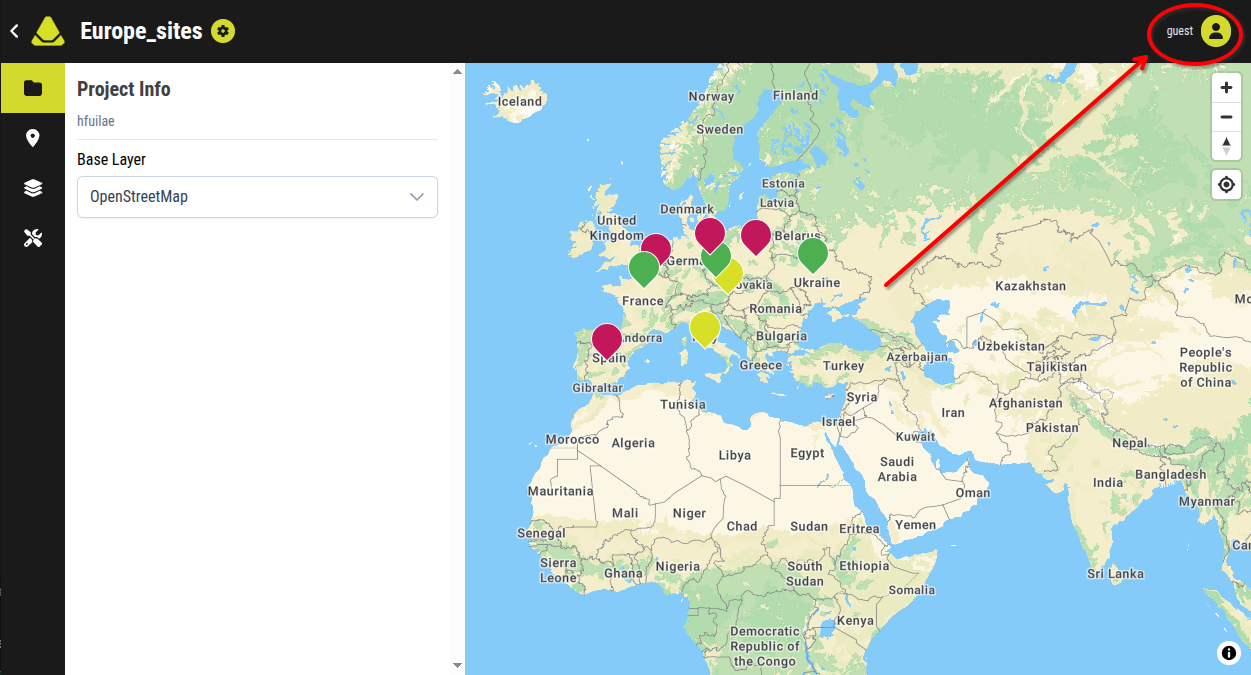
[An example of a how a Guest might see a project]